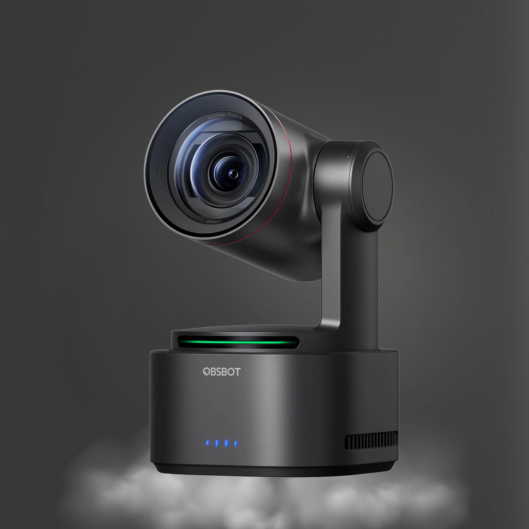
OBSBOT Meet Remote Control
- HK$319.00
- HK$319.00
- Unit price
- per
Please hurry! Only 0 left in stock
Limited-Time Offers, End in:
151D
8H
23M
0S
10 customers are viewing this product
Couldn't load pickup availability
Free Shipping
Free standard shipping on orders over $99
Free Returns
Learn More.

Description
x
 Description
Bringing precise control to your OBSBOT Meet and Meet 4K remotely and easily.
1. Wireless connection
2.4GHz wireless connection via a USB receiver, plug and play, you can enjoy long-range wireless control up to 10 meters / 32.8ft.
2. Convenient to Use
Press the key and control OBSBOT Meet Series easily, and support many functions Such as zoom, PT, switch mode, and so on.
What's In the Box
1 * Meet Remote Control
1 * USB Receiver
Compatibility
1. The Remote Controller is exclusively designed for the OBSBOT Meet series (Meet 4K and Meet included).
2. Support controlling up to 4 OBSBOT Meet devices at the same time.
3. Well compatible with Windows and macOS computers.
4. Compatible with OBSBOT MeetCam App v1.0.0.20 and above & OBSBOT WebCam V2.0.0.1 and above.
Guide for Use
Before You Use
Step 1: Put two batteries into the remote control.
Step 2: Plug the USB receiver into your PC.
Step 3: Connect OBSBOT Meet or Meet 4K to your PC.
Step 4: Open MeetCam or OBSBOT WebCam, and enable remote control in the [System Setting].
*Note:
a. The remote controller keys may conflict with some software shortcuts keys. In case of conflict, please turn off or change other software shortcuts keys.
b. Please keep the MeetCam or OBSBOT WebCam running in the background while using the Remote Control.
Specifications
· Color: Black
· Weight: 33.5g
· Battery Type: 2pcs AAA battery required (Not Included in package)
· Max. Control Range: 10m
· System Required: Windows and macOS
Related Products
youget
youget
youget
youget
youget
youget
youget
youget
youget
youget

- Choosing a selection results in a full page refresh.